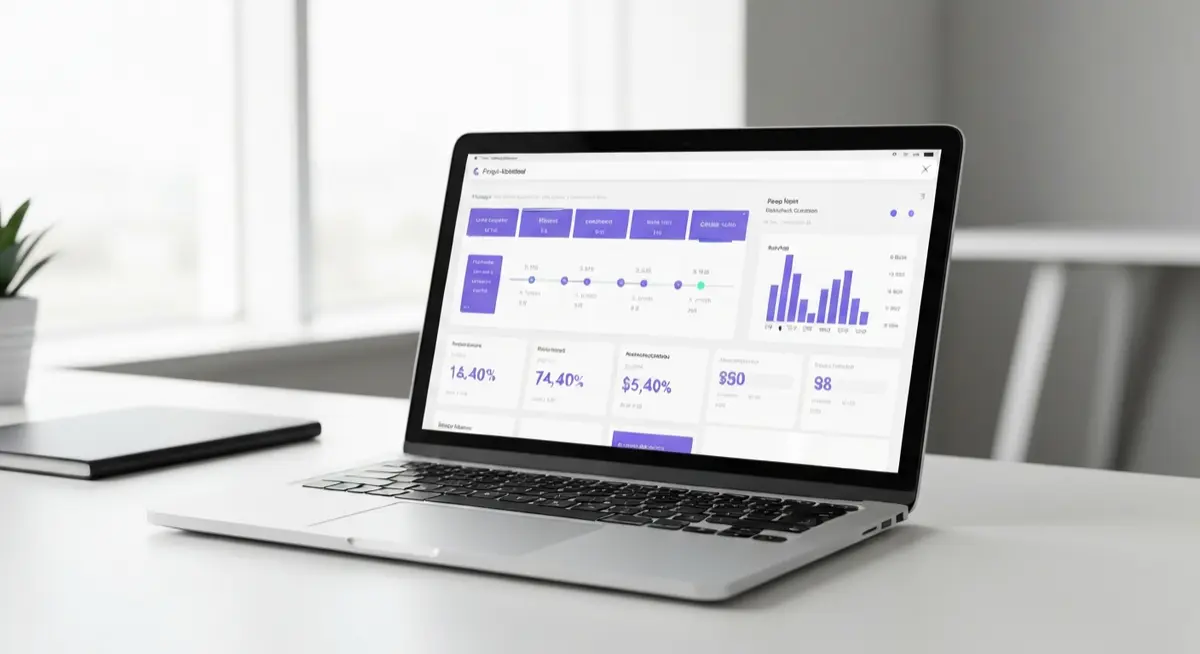
Your Project, Fully Transparent
Log in to your dedicated portal to view real-time updates, approve documents, and communicate directly with the Hoosiers GC team.
See It In Action
Watch this quick overview to see how easy it is to manage your project with Hoosiers GC.
How to Use Your Portal
We use JobTread to keep everything organized and transparent. Here is what you can do inside your customer portal.
1. Sign In
Use the email address associated with your project to log in. You'll receive an invitation link when your project is created.
2. View Documents
Access your estimates, invoices, and change orders in one place. You can easily review and sign approvals digitally.
3. Check Updates
Follow your project's progress with real-time schedule updates, daily logs, and site photos uploaded by our crew.
4. Communicate
Send messages directly to your project manager, ask questions, and keep all project communication organized in a single thread.
Need help accessing your account?
If you haven't received your portal invitation or are having trouble logging in, our team is here to help.